Color Theory: The Art and Science of Color
Get the basics of color down and start creating designs that truly pop. From the color wheel to saturation and brightness, color theory breaks down the science so you can mix, match, and master palettes like a pro.
🎨 Understanding the Color Wheel
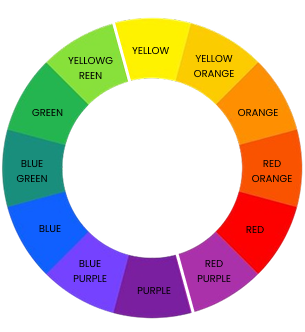
The color wheel is a circular diagram that organizes colors according to their chromatic relationships. It visually demonstrates how colors relate to each other, making it a fundamental tool for artists and designers. The wheel helps identify harmonious color combinations and understand how to create contrast and balance in your work.
Primary Colors
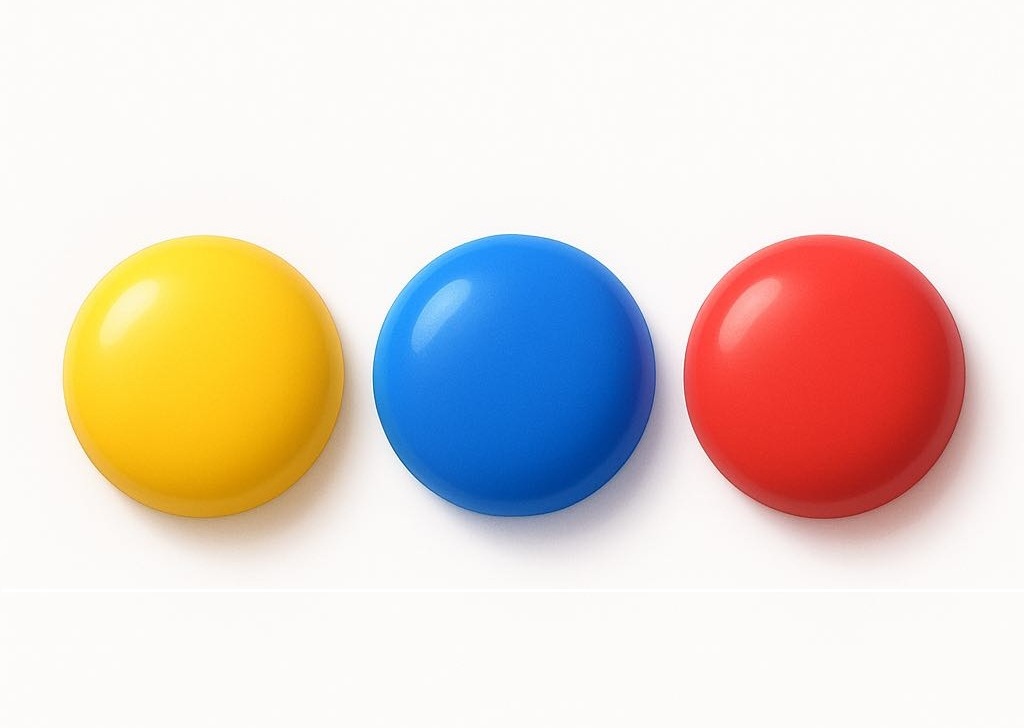
Red, Yellow, Blue are the three primary colors. You can’t create them by mixing other colors. They build the entire color wheel. Understanding primaries is essential as they form the basis for color mixing and theory.
Secondary Colors
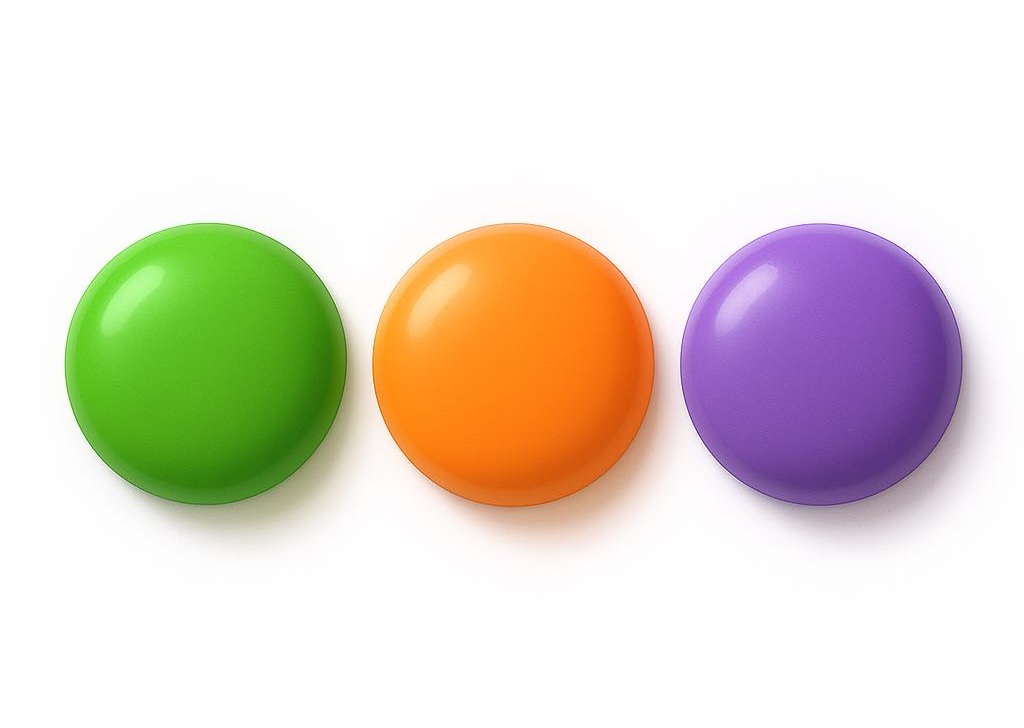
Green, Orange, and Purple are the three secondary colors, formed by mixing two primary colors together. These colors help expand the palette and provide a deeper understanding of color relationships.
Tertiary Colors
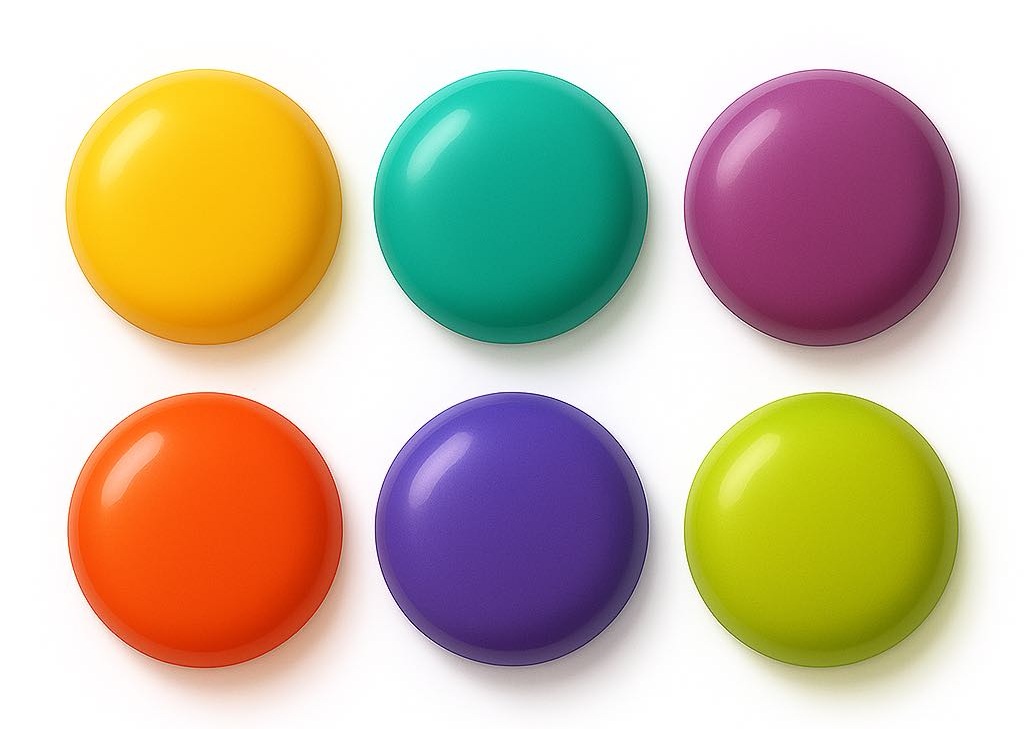
Tertiary colors come from blending a primary color with a neighboring secondary color. These shades add richness and variety to your palette, giving you more subtle and interesting tones to work with in your designs.
Quick Color Mix Guide
Try Mixing Colors!
Drag two colors to the mixing zones to see what they create.
🌡️ Warm vs Cool Colors
Colors are often classified by temperature as warm or cool, which impacts the emotional response they evoke and their perceived spatial qualities. Warm colors tend to appear closer and more active, while cool colors often recede and feel calming.
Warm Colors
Warm colors include reds, oranges, and yellows. They convey energy, excitement, and warmth. Designers use warm tones to attract attention, suggest warmth, or evoke passion.
Cool Colors
Cool colors like blues, greens, and purples are associated with calmness, serenity, and professionalism. These colors help create relaxing atmospheres or communicate trust and stability.
🪄 Color Modifications: Tint, Shade & Tone
Colors aren’t static, they can be modified to create different effects and moods. Understanding tints, shades, and tones helps you create variations of colors for more dynamic designs.
Tint
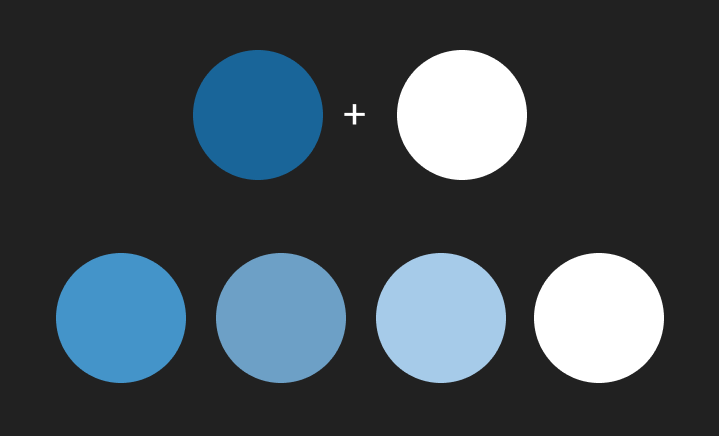
Created by adding white to a color, making it lighter and softer. For example, pink is a tint of red. Tints help create lighter variations without changing the original hue too much.
Shade
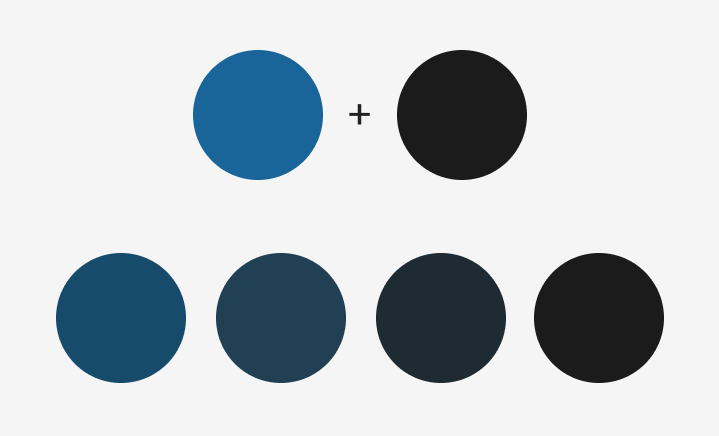
Created by adding black to a color, making it darker and deeper. Shades add depth and contrast, creating darker, richer variations while keeping the original hue.
Tone
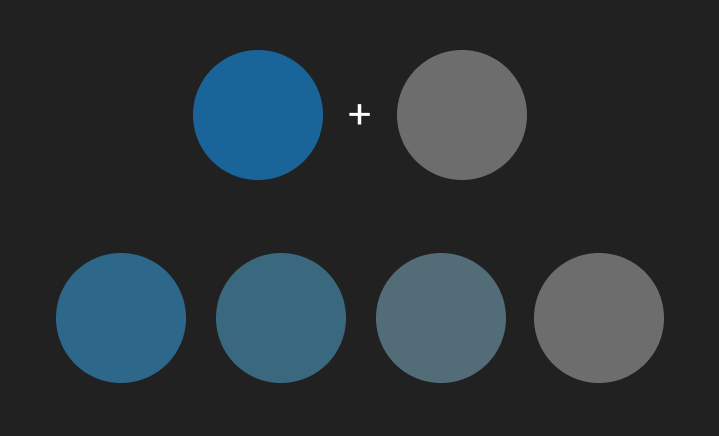
Produced by adding gray (a mix of black and white) to a color, which reduces its saturation and makes it appear more muted or softer. Tones are useful for creating subtle and harmonious color palettes.
🌈 Color Strength: Chroma, Intensity & Saturation
The strength or vividness of a color affects how it captures attention and conveys meaning. These terms are often used when fine-tuning how bold or soft a color should appear, helping you create palettes that stand out or feel calm and balanced.
Chroma
Refers to the purity or vividness of a color compared to a neutral gray. High chroma colors appear bright and pure, while low chroma ones look dull and muted.
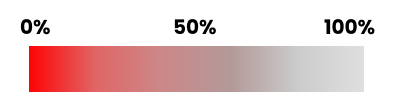
Color Intensity
Often used interchangeably with chroma, intensity describes how bright or subdued a color looks. Lower intensity colors feel more calm or understated.
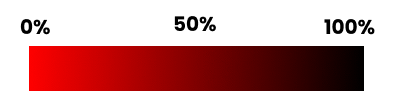
Saturation
It defines how pure or vivid a color is. A fully saturated color has no addition of gray and appears vivid, while a desaturated color looks washed out or muted, appearing softer or even grayish.
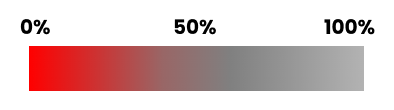
⚫ Contrast
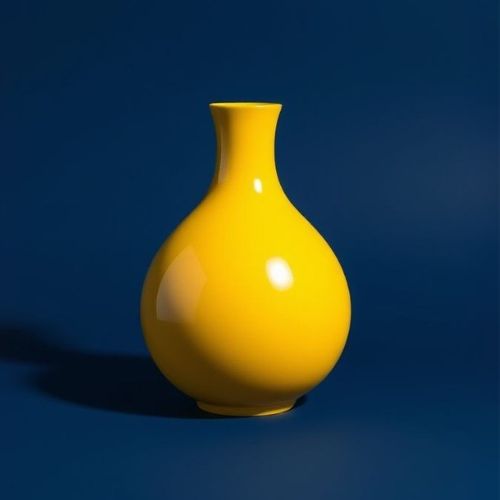
Contrast refers to the difference between colors, primarily based on their brightness and how strongly they stand out from each other. High contrast creates emphasis and makes elements pop, while low contrast offers subtlety and smoothness.
High Contrast
Strong differences in brightness and color create visual excitement and clarity, essential for legibility and emphasis.
Medium Contrast
Balanced contrast supports harmony and visual interest without overwhelming the viewer.
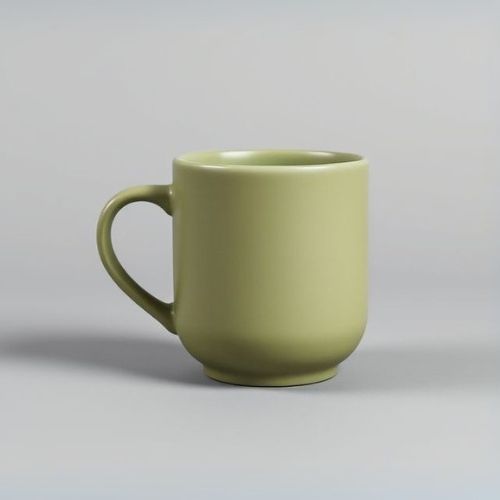
Low Contrast
Subtle variations create a calm, unified appearance, ideal for backgrounds or minimal designs.
🖥️ Color Models
A color model is a way to represent colors so that they can be reproduced accurately in art, design, and technology. Color models vary depending on how colors are created or perceived. Since colors appear differently across media—such as digital screens, printed materials, or physical paint—understanding these models helps ensure colors look right and stay consistent everywhere. There are two main types of color models based on how colors are created: additive and subtractive.
Additive Models
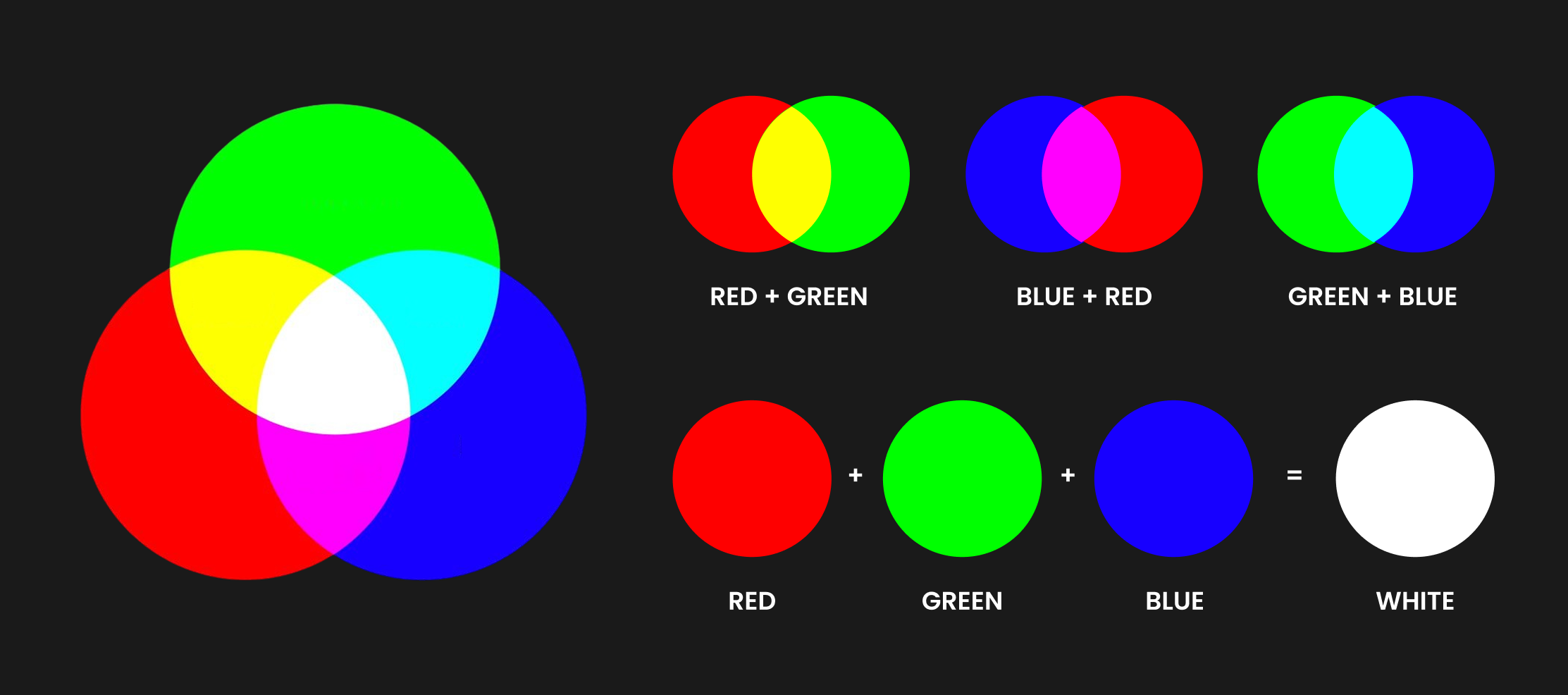
Additive color models create colors by adding light, starting from black (no light) and mixing red, green, and blue light to form other colors; combining all three primaries produces white.
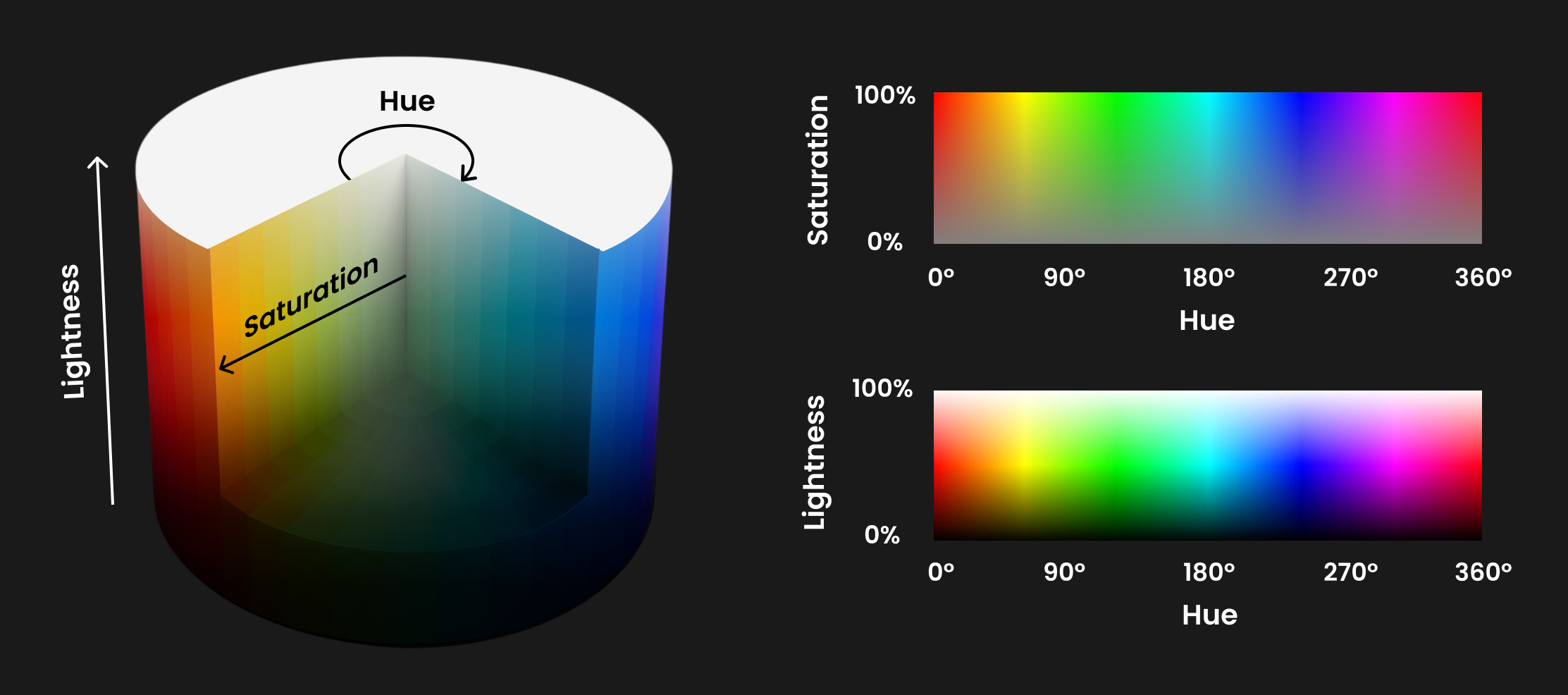
HSL (Hue, Saturation, Lightness)
Is a color model that describes colors the way we often think about them visually. Hue represents the color itself and is measured in degrees on a 360° color wheel. Saturation controls how vivid or muted the color is (100% is full color and 0% is gray). Lightness adjusts how light or dark the color appears, ranging from 0% (black) to 100% (white), with the pure color at 50%.
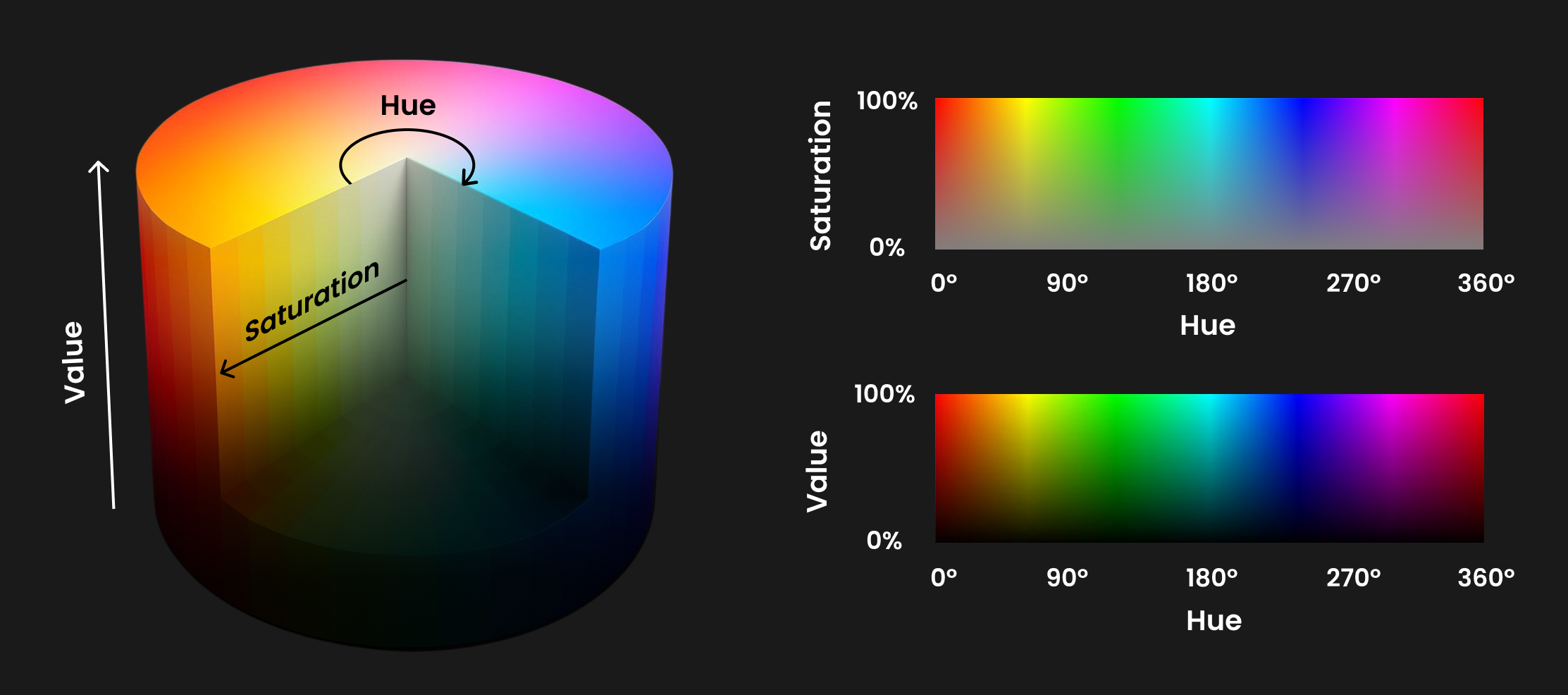
HSV (Hue, Saturation, Value)
This color model is similar to HSL but works slightly differently. Hue and Saturation have the same roles, but instead of Lightness, it uses Value, which represents the brightness or intensity of the color. A Value of 0% is pure black and 100% shows the color at its strongest, with full lightness and saturation combined.
RGB (Red, Green, Blue)
This is a color model used mainly for screens like TVs, phones, and computers. Colors are created by mixing different amounts of red, green, and blue light. When all three are combined at full intensity, you get white. Black is the absence of all three.
Substractive Models
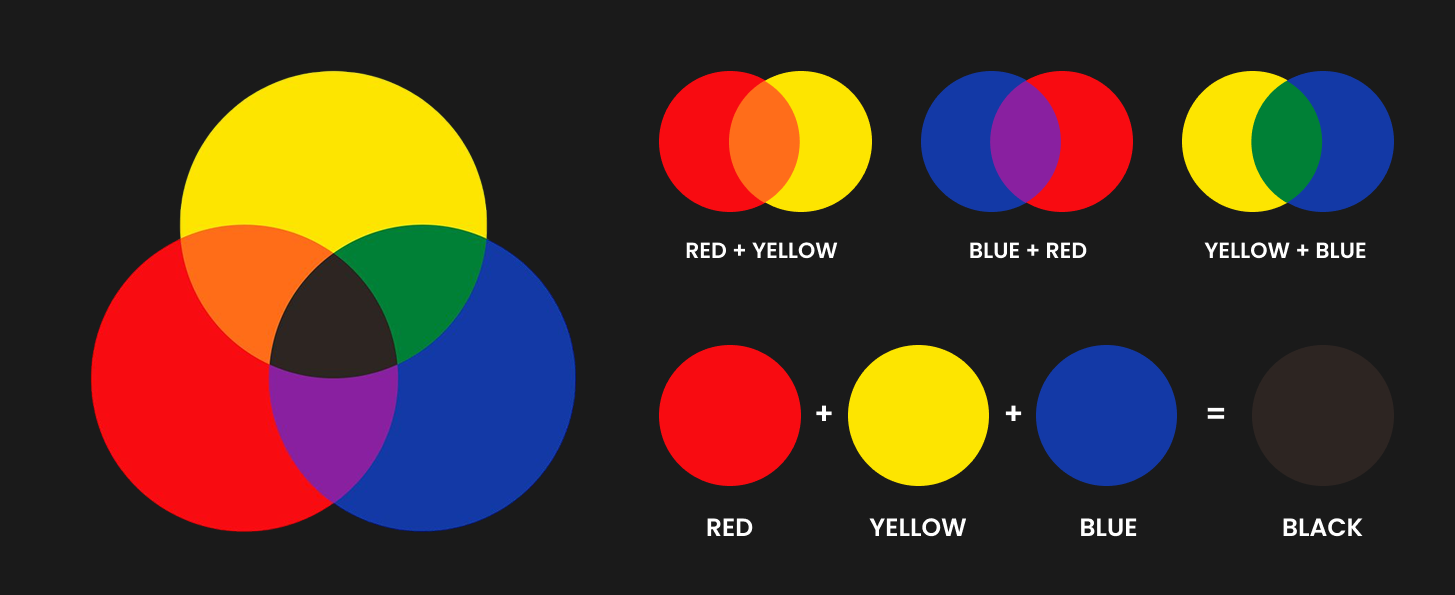
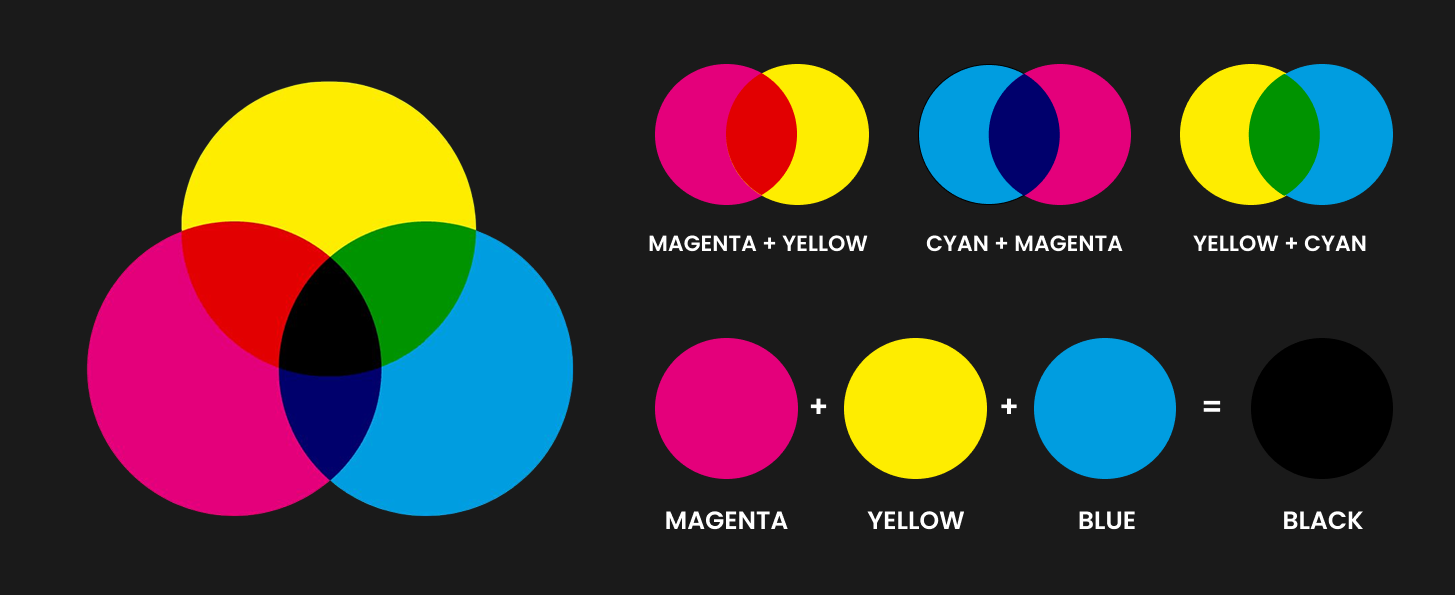
Subtractive color models create colors by absorbing (subtracting) light, starting from white (all light reflected) and mixing pigments or inks that absorb certain wavelengths; when all primary colors are combined, they absorb most light, resulting in black or a very dark color.
RYB (Red, Yellow, Blue)
It is a traditional color model, based on mixing pigments like paints. Red, yellow, and blue are primary colors that can be mixed to create a wide range of other colors.
CMYK (Cyan, Magenta, Yellow, Black)
A subtractive color model used in printing. It works by layering inks that absorb (subtract) certain colors of light. Cyan, magenta, and yellow inks mix to create most colors, while black (Key) adds depth and detail. When combined fully, they produce black.
🔗 Color Harmonies
Color harmony refers to pleasing and balanced color combinations. Understanding harmony enables you to build color schemes that are visually attractive, communicate the desired mood, and maintain viewer interest. There are several classic harmony types based on the relationships between hues on the color wheel.
Complementary
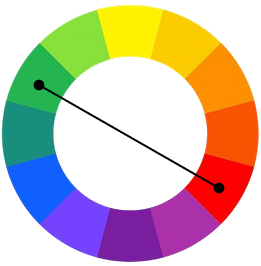
This harmony pairs colors opposite each other on the color wheel, like red and green. The contrast creates vibrant combinations but requires balance to avoid tension.
Analogous
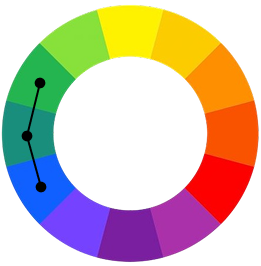
Analogous colors are neighbors on the wheel, such as blue, blue-green, and green. This scheme produces smooth and harmonious transitions, evoking calmness and unity.
Triadic
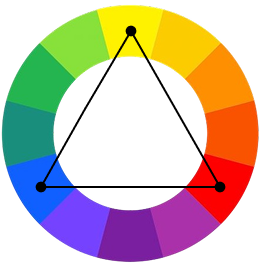
Triadic harmony uses three colors evenly spaced around the wheel, like red, yellow, and blue. This creates balanced yet vibrant palettes that retain contrast without overwhelming.
Tetradic
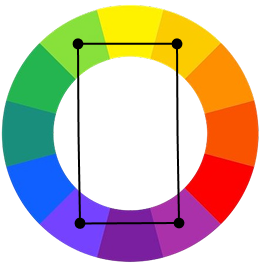
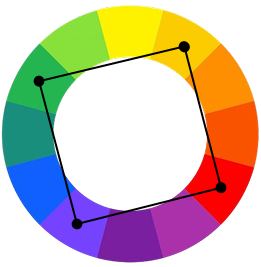
Also called double complementary, tetradic uses two complementary pairs forming a rectangle on the wheel. This harmony offers variety and richness but can be challenging to balance effectively.
Split
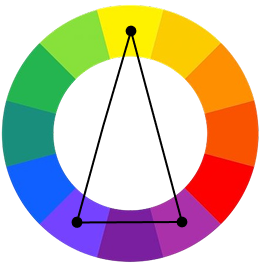
Takes one base color and pairs it with the two adjacent colors to its complement. It maintains contrast with less tension than direct complementary schemes.
Square
A visual extension of tetradic, placing colors at the corners of a square on the wheel. It offers variety and complexity, ideal for dynamic, colorful layouts.
🎚️ Color Scales & Gradients
Color scales and gradients are key for showing smooth color transitions and ranges. They add depth and guide the viewer’s eye, often representing changing values like temperature or progress. Used in data visualization, UI, and art, they help convey intensity, mood, and hierarchy. Mastering them lets designers enhance emotions, user experience, and clear communication.
Monochromatic Scale
Uses variations of one hue with different saturations and lightness to create harmony and depth.
Analogous Scale
Colors adjacent on the color wheel, creating a serene and comfortable design.
Complementary Gradient
Gradients using colors opposite on the color wheel to create vibrant contrast.
Triadic Scale
Uses three colors evenly spaced on the wheel, providing a balanced yet colorful palette.
🎨 Make Your Own Gradient!
Turn your favorite shades into smooth, customizable gradients. Perfect for modern UIs, backgrounds, and vibrant color stories.
Make a Gradient!