Color Pairing: The Art of Harmony
Learn how to skillfully combine colors to create visually stunning and balanced designs. We break down the essential color pairings, explain the meaning behind colors, and provide practical tips for mastering color harmony quickly and effectively.
🔗 Key Color Pairing Harmonies
To create balanced and harmonious designs, it’s essential to understand the key color harmonies. These serve as the foundation for creating visually appealing and well-balanced color combinations.
*Note: For more in-depth information on color harmonies, refer to the Color Theory section.
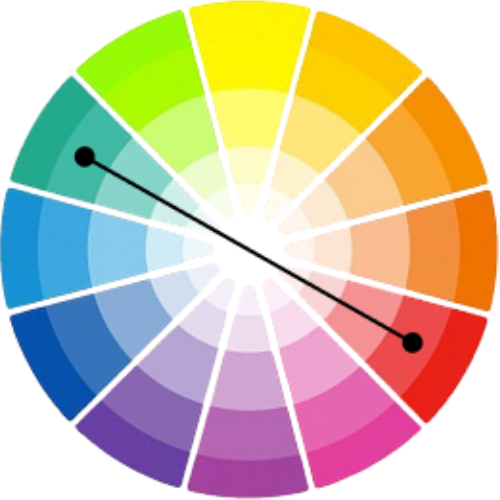
Complementary Colors
Colors opposite each other on the color wheel, like blue and orange or red and green. They offer strong contrast and vibrancy, perfect to create focal points or energetic designs.
Use sparingly to avoid overwhelming the viewer and balance with neutrals.
Analogous Colors
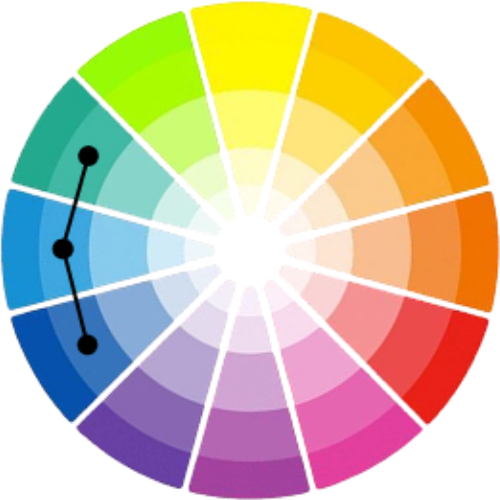
Colors next to each other on the color wheel, like blue, blue-green, and green. Provide harmonious and calming palettes often seen in nature.
Ideal for designs requiring cohesion with subtle contrast.
Triadic Colors
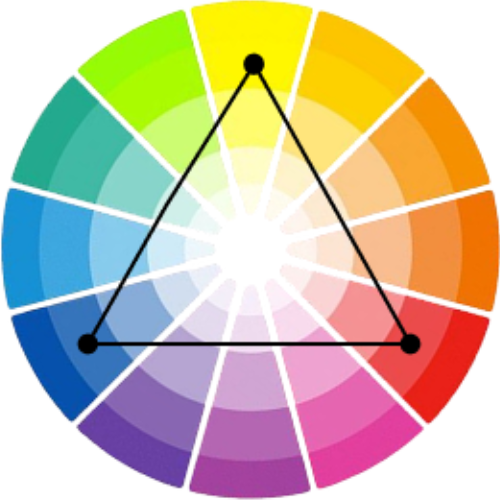
Three colors evenly spaced on the wheel, such as red, yellow, and blue. They bring balance and a lively variety without clashing.
Great for vibrant and playful designs with balanced color diversity.
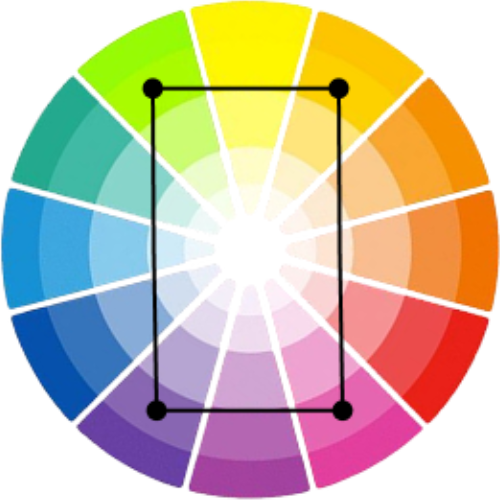
Tetradic Colors
Four colors arranged as two complementary pairs, like red and green combined with blue and orange. Offers rich palettes but needs careful balancing.
Use one dominant color and accents to avoid visual overload.
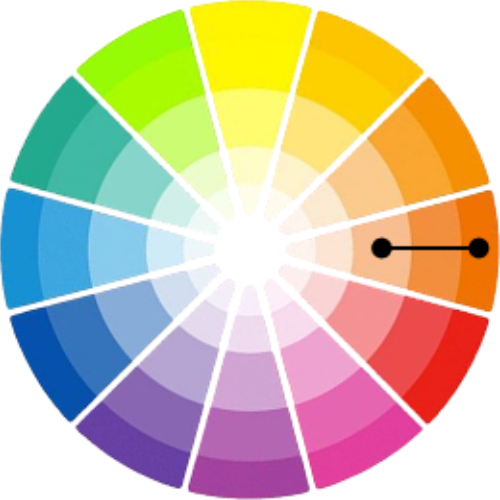
Monochromatic Colors
Variations in lightness and saturation of a single hue. Creates elegant, minimalist palettes with subtle depth.
Perfect for clean, sophisticated designs focusing on tone and texture.
🧠 The Psychology of Colors: What Your Palette Communicates
Colors have the powerful ability to evoke emotions, influence perceptions, and impact behaviors. Understanding these psychological effects helps you craft color palettes that support your brand, message, and user experience.
Red
Emotions:
Passion, Energy and Urgency
Used in:
Sales, Alerts and Excitement

Green
Emotions:
Growth, Nature and Harmony
Used in:
Environment, Wellness and Finance

Black
Emotions:
Power, Sophistication, and Elegance
Used in:
Luxury, Formal and Minimalism

Yellow
Emotions:
Optimism, Happiness and Attention
Used in:
Creativity, Advertising and Youth

Purple
Emotions:
Luxury, Mystery and Creativity
Used in:
Cosmetics, Art and Royalty

Gray
Emotions:
Neutrality, Balance and Calm
Used in:
Corporate, Backgrounds and Modern Design

Orange
Emotions:
Enthusiasm, Warmth and Energy
Used in:
Food, Call to Action and Playfulness

Blue
Emotions:
Trust, Calm and Stability
Used in:
Corporate, Technology and Healthcare

Pink
Emotions:
Love, Compassion and Calmness
Used in:
Fashion, Beauty and Romance

White
Emotions:
Purity, Simplicity and Cleanliness
Used in:
Healthcare, Tech and Minimal Design

Brown
Emotions:
Stability, Reliability and Comfort
Used in:
Organic products and Outdoors
⚠️ Tips to Avoid Color Pairing Mistakes
Even experienced designers can fall into common pitfalls when pairing colors. Here’s how to steer clear of typical mistakes and enhance your color harmony skills:
Using Too Many Bold Colors
Avoid overwhelming your design with more than 2-3 dominant colors. Instead, use neutrals like whites, grays, or blacks to balance vibrant colors and provide breathing space.
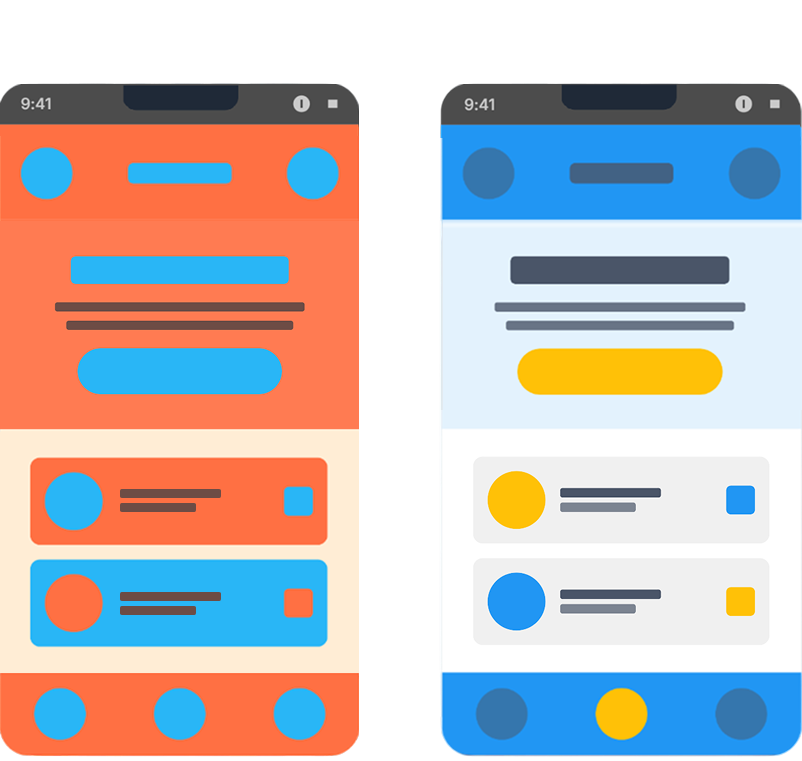
Overusing Complementary Colors
While high contrast can be exciting, too much complementary pairing without balance can cause visual fatigue. Use accents or muted tones.
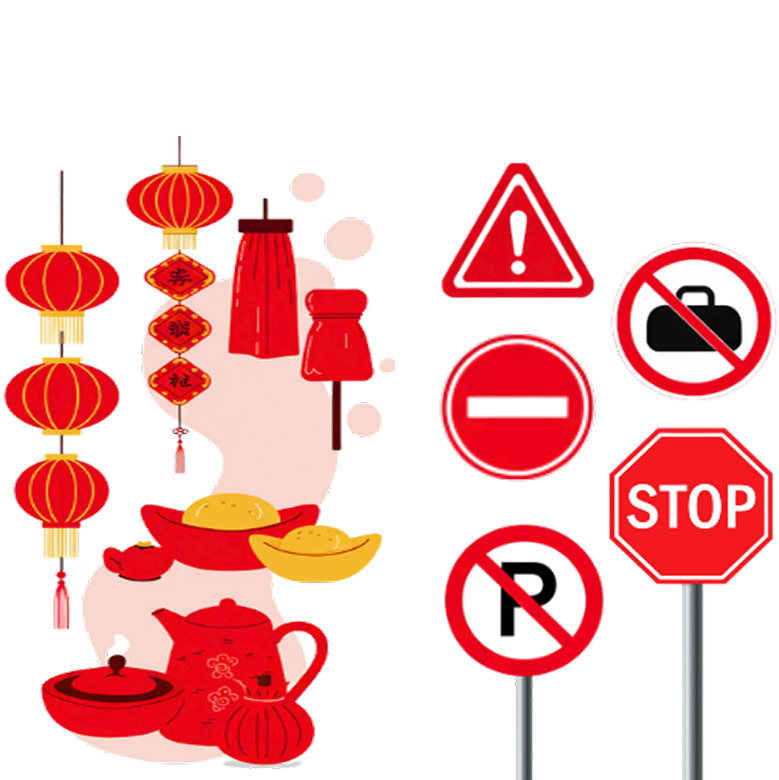
Not Considering Cultural Differences
Colors can have different meanings across cultures. Research your audience to avoid unintended associations or offense.
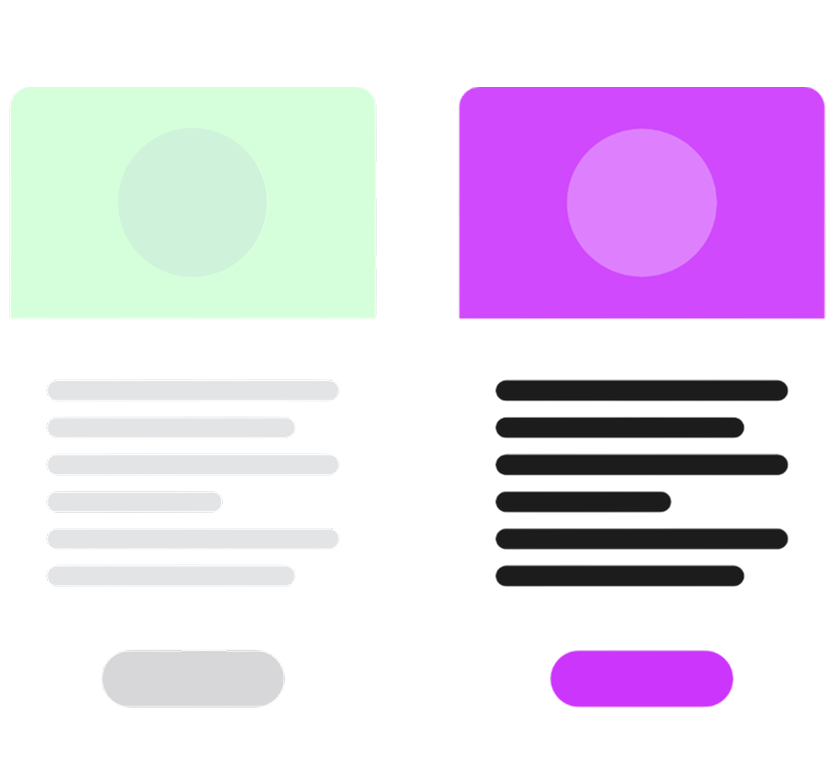
Ignoring Color Contrast & Accessibility
Ensure sufficient contrast between text and background for readability, especially for users with vision impairments.
Forgetting the Emotional Tone
Align your palette’s mood with your message. For example, bright yellows might not suit a serious legal website, while blues can convey trustworthiness.

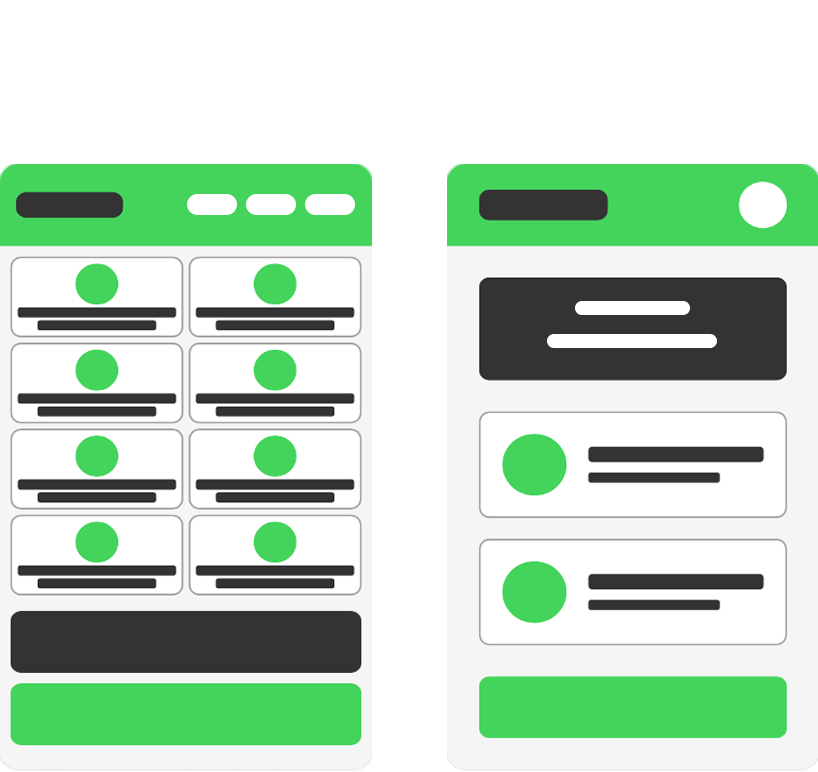
Neglecting White Space
Even the best palettes can fail if elements are too cramped. Proper white or negative space helps your design breathe and makes your content shine.
🎨 How to Recognize When Colors Work Together
Great color pairings are not random, they follow visual principles that create harmony, clarity, and emotional impact. By understanding how colors interact, you can design palettes that feel balanced, intentional and visually compelling across different mediums.
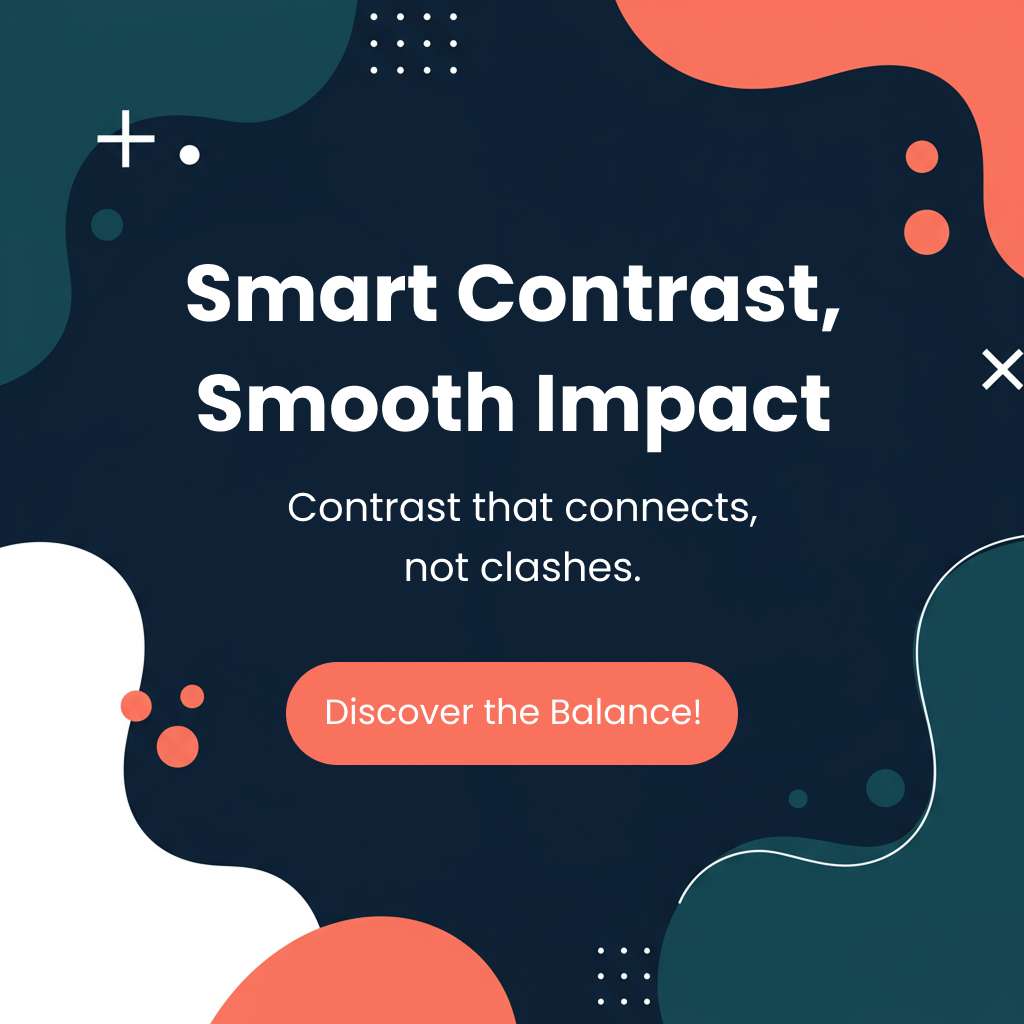
Balanced Contrast
Colors should be different enough to stand out, but not so much that they fight with each other. Good contrast makes text easier to read and more interesting.
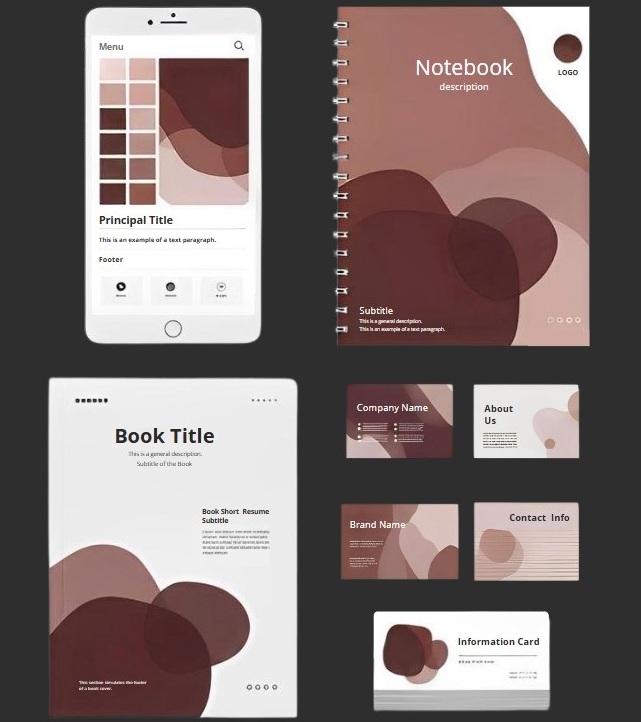
Consider the Context
The environment where your palette is used (digital, print, branding) affects how colors interact and appear.
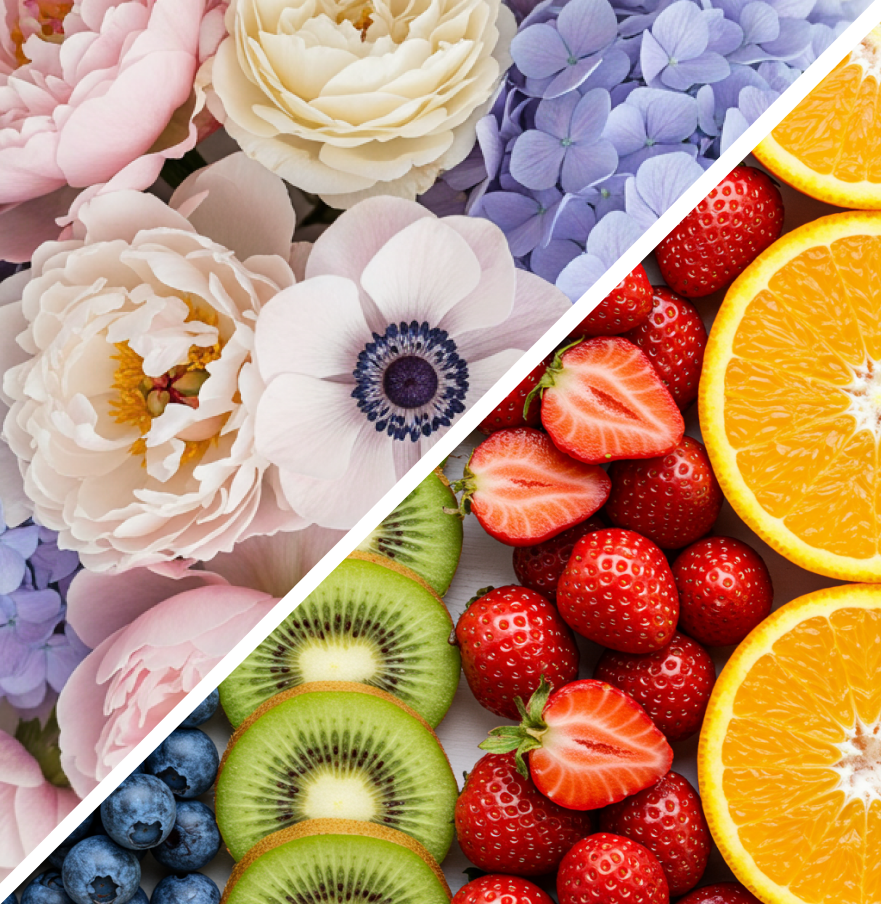
Consistent Saturation
Use colors that have a similar level of brightness or intensity. Bright colors go well with other bright colors, and softer colors go well with other soft colors.
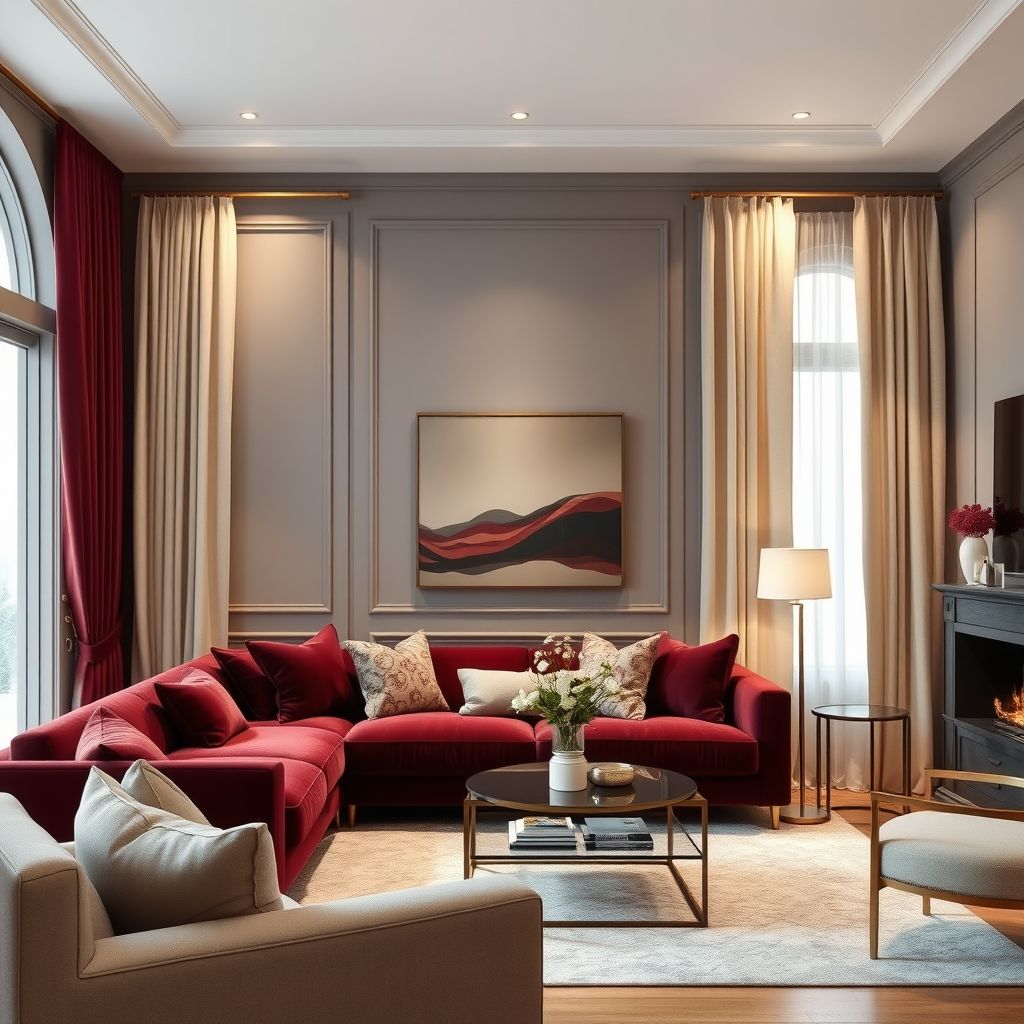
Emotional Cohesion
Colors should share the same mood, feeling, or message. For example, burgundy, taupe gray, and ivory together create a cozy, elegant vibe.
Matching Undertones
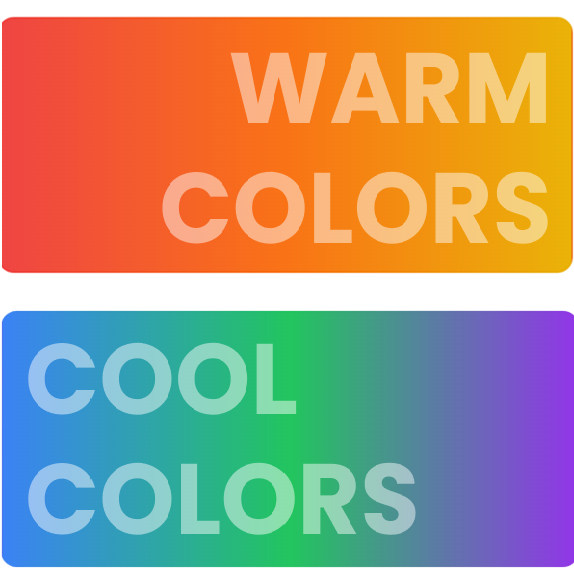
Warm colors look best with other warm tones, and cool colors go well with cool tones. This creates visual harmony and natural feeling.
🧩 Accessibility Basics: WCAG & Contrast Guidelines
Good color design isn’t just about aesthetics, it’s also about accessibility. Following WCAG (Web Content Accessibility Guidelines) helps ensure your palettes are readable and inclusive for all users, including those with vision impairments.
Minimum Contrast Ratio
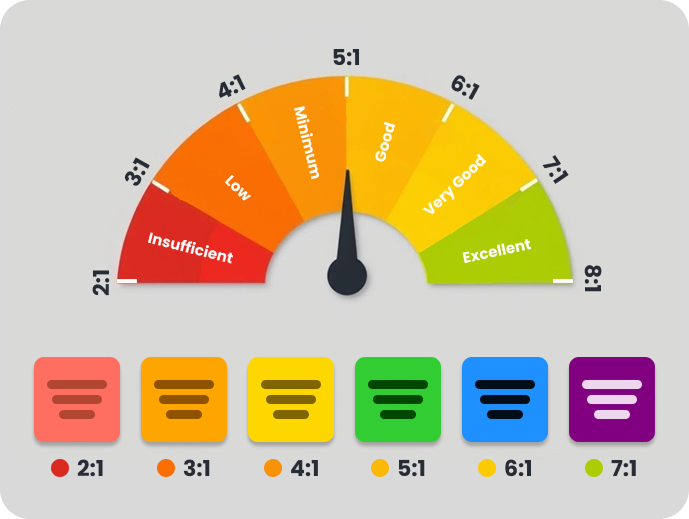
Ensure enough contrast between text and background for readability. WCAG recommends at least a 4.5:1 ratio for body text and 3:1 for large text.
Helps users with low vision or in poor lighting conditions.
Consider Color Blindness
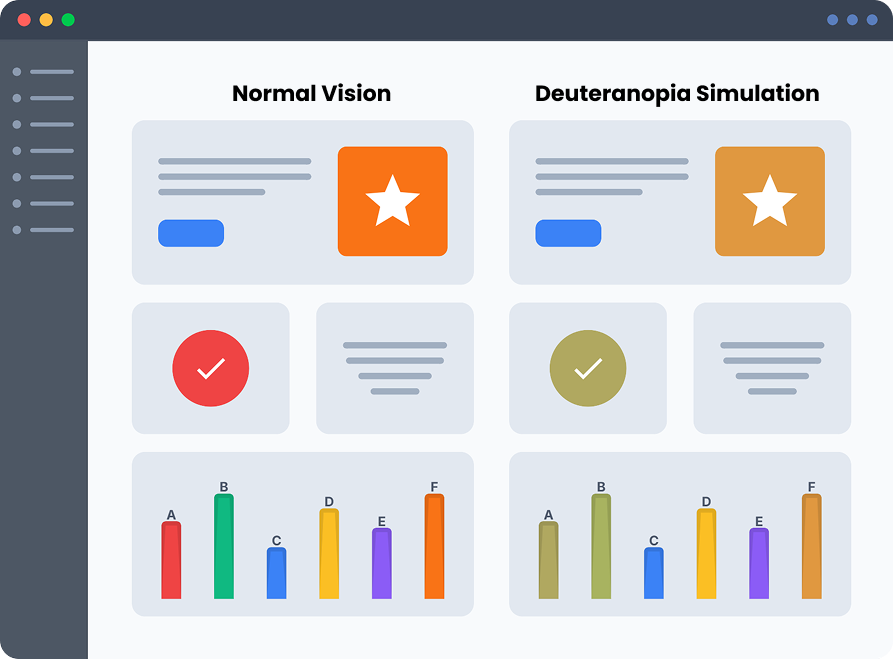
Don't rely on color alone. Use texture, labels, or icons alongside colors to ensure clarity.
Favor high-contrast combinations and avoid relying solely on color to convey meaning.
Clear UI & Text Elements
Buttons, links, icons, and form fields should maintain strong contrast and clear states (hover, focus, etc.).
Accessible UI improves usability for everyone.
********
Use Contrast Tools
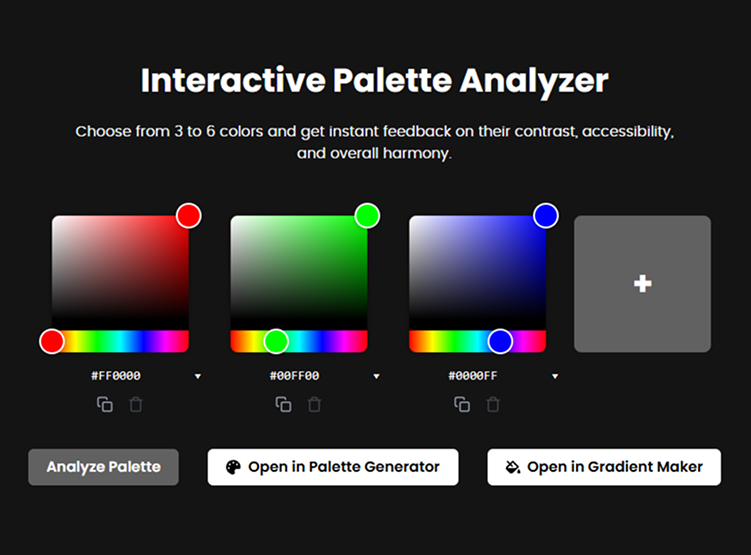
Validate your color combinations with contrast checkers and accessibility tools.
Try our Interactive Palette Analyzer to test contrast, harmony, and accessibility.
🔎 Practice Exercise: Identify Color Pairings in Your Environment
Look around your home, outdoors, or on the internet — try to spot examples of different color pairings: complementary, analogous, triadic, and more. Reflect on how these combinations make you feel and how they balance contrast and harmony.
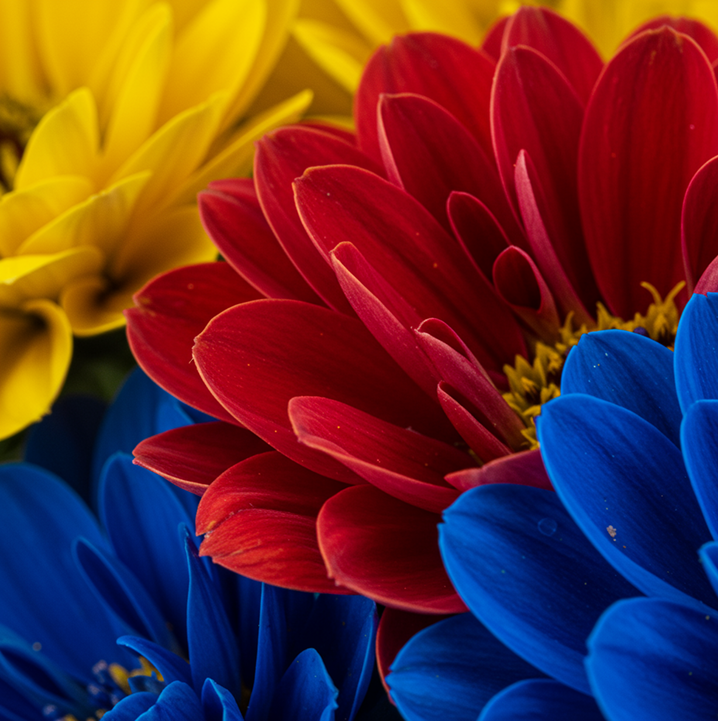
Triadic Color Palette: Red, Yellow, and Blue
This combination uses three evenly spaced colors, creating a vibrant harmonious contrast. Flowers in these tones showcase energy, balance, and natural beauty.
Yellow
#F1C900
Blue
#003496
Red
#AB0016
Emotions evoked by this image:
- Wonder from extreme detail and texture.
- Joy and energy from bright primary colors.
- Calm and admiration for visual harmony.
- Inspiration to appreciate nature’s perfection in its smallest details.
This combination delivers a powerful visual impact that invites you to pause, reflect, and feel the magic of color in everyday life.
✨ Ready to test your Color Pairing skills?
Use our Palette Generator to explore new color combinations and build your confidence with real palettes!
Create a Palette!